Getting started With Amazon Web Service
Aspiring Devops engineer
Day38 of 90daysofdevops
What is AWS?
Amazon Web Services (AWS) is a comprehensive, evolving cloud computing platform provided by Amazon.com. It offers a mix of infrastructure as a service (IaaS), platform as a service (PaaS) and packaged software as a service (SaaS) offerings.
IAM:
AWS Identity and Access Management (IAM) is a web service that helps you securely control access to AWS resources. With IAM, you can centrally manage permissions that control which AWS resources users can access. You use IAM to control who is authenticated (signed in) and authorized (has permissions) to use resources.
Components of IAM:
Users: These are individuals with unique credentials who can sign in to the AWS Management Console and access AWS resources.
Groups: Users can be organized into groups, and permissions can be assigned to groups rather than individual users.
Roles: IAM roles are not associated with individual users but can be assumed by trusted entities, such as AWS services or users from another AWS account.
Policies: Policies are documents that define what actions are allowed or denied on AWS resources.
Task1:
Create an IAM user with the username of your wish and grant EC2 Access. Launch your Linux instance through the IAM user that you created now and install Jenkins and docker on your machine via a single Shell Script.
- Create an EC2 instance with your default root user.
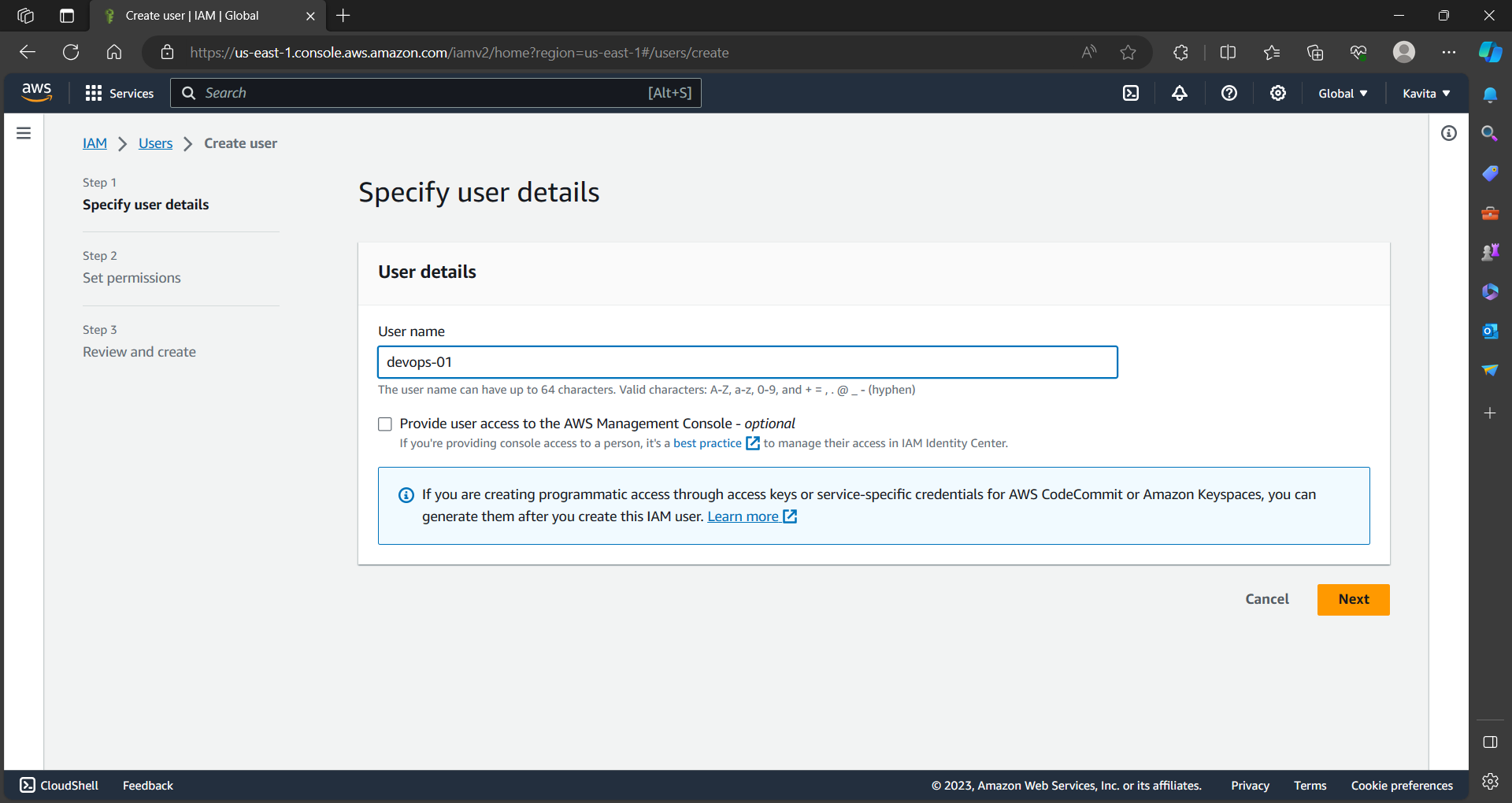
- Provide the specific permission according to the requirement.
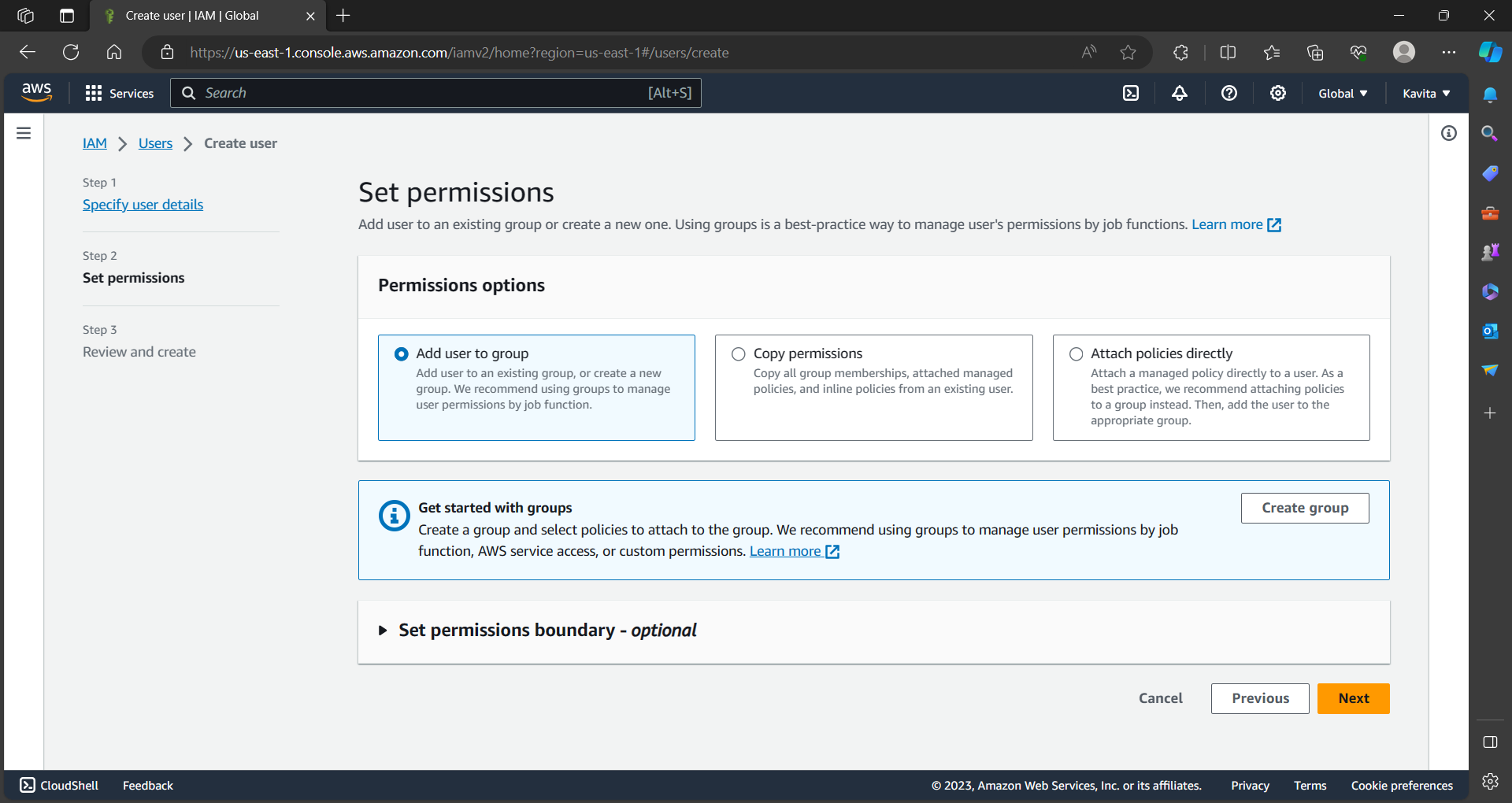
- Create a group and provide access to the specific components on AWS-defined policies.
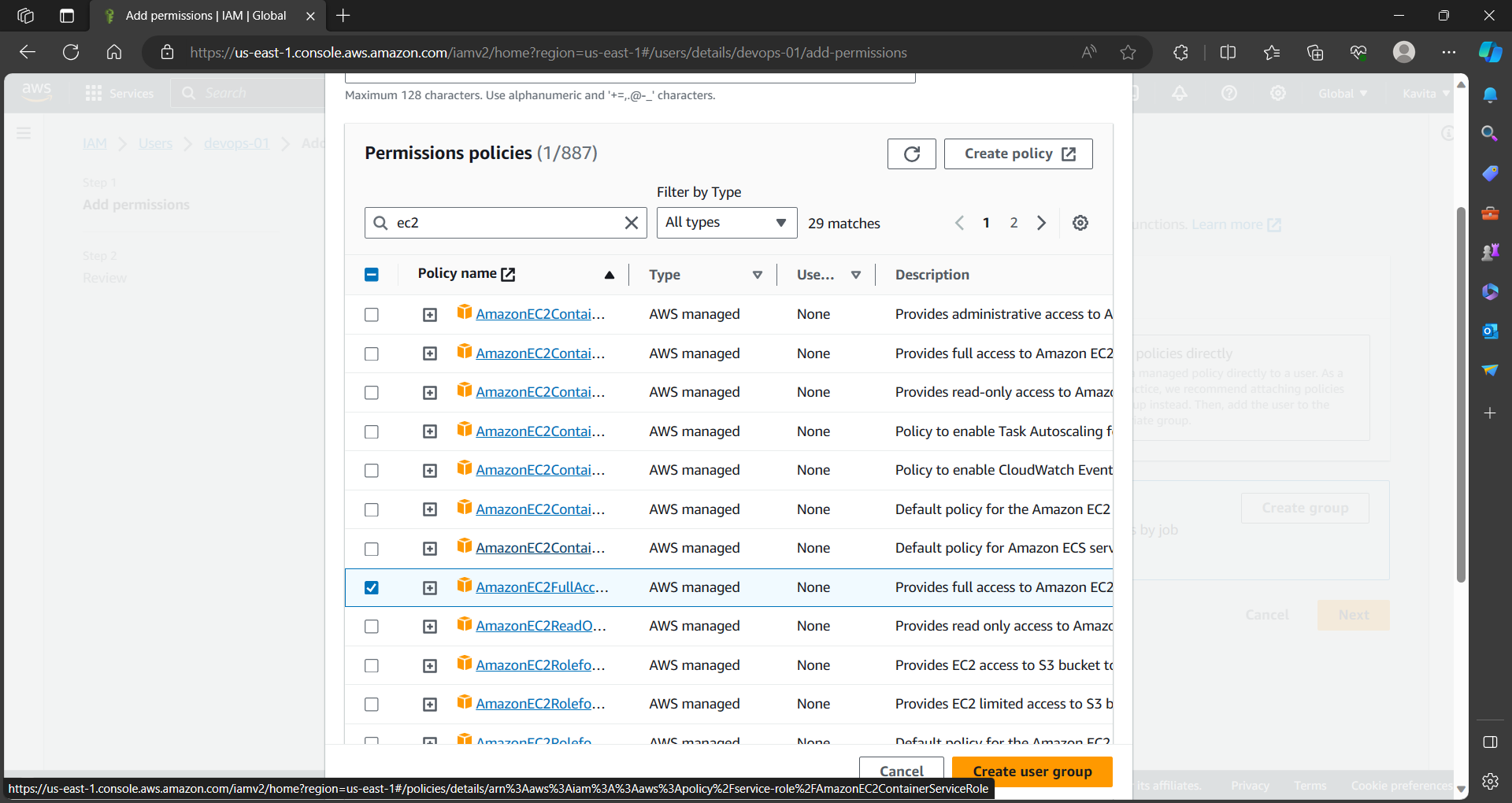
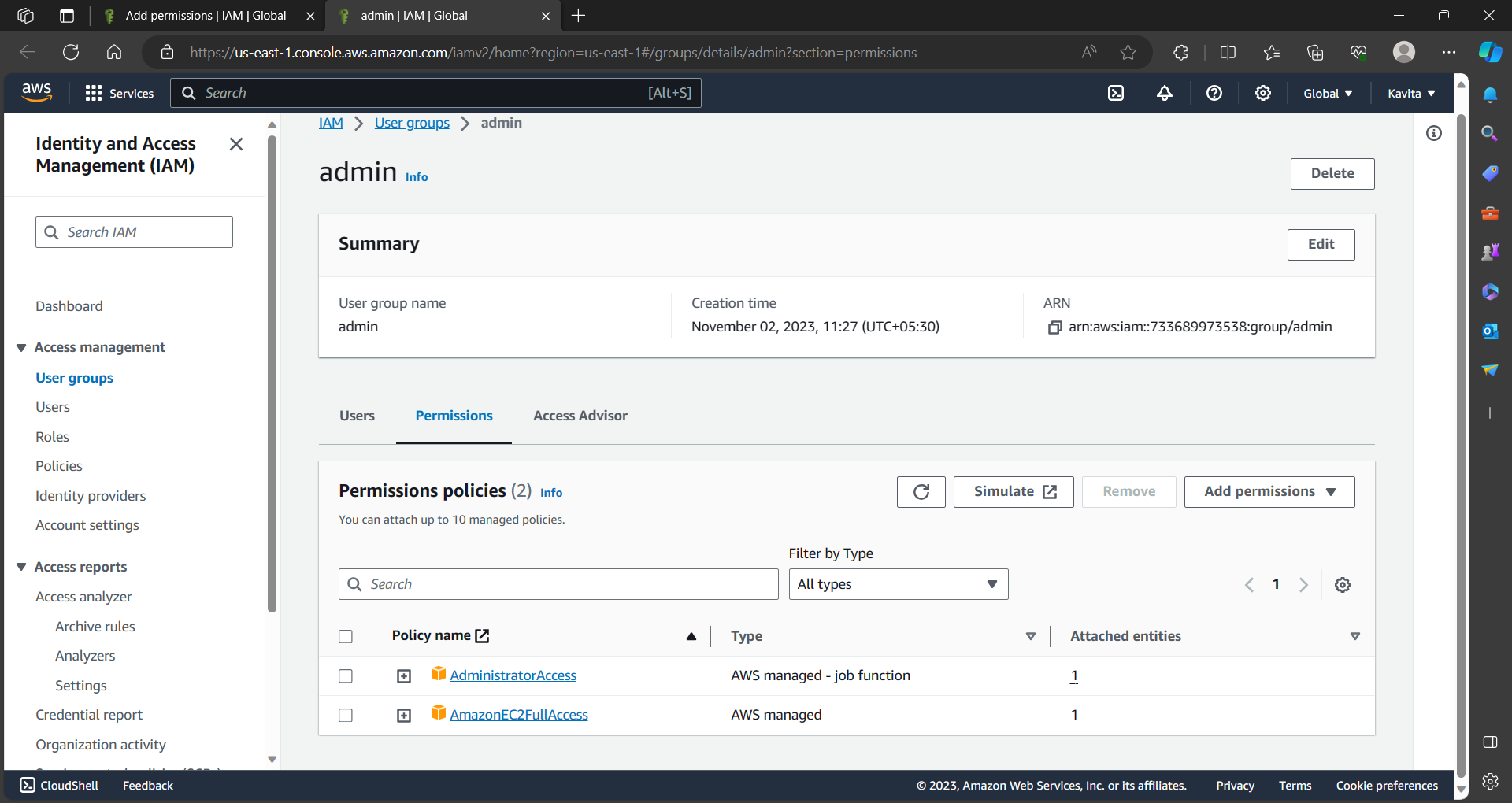
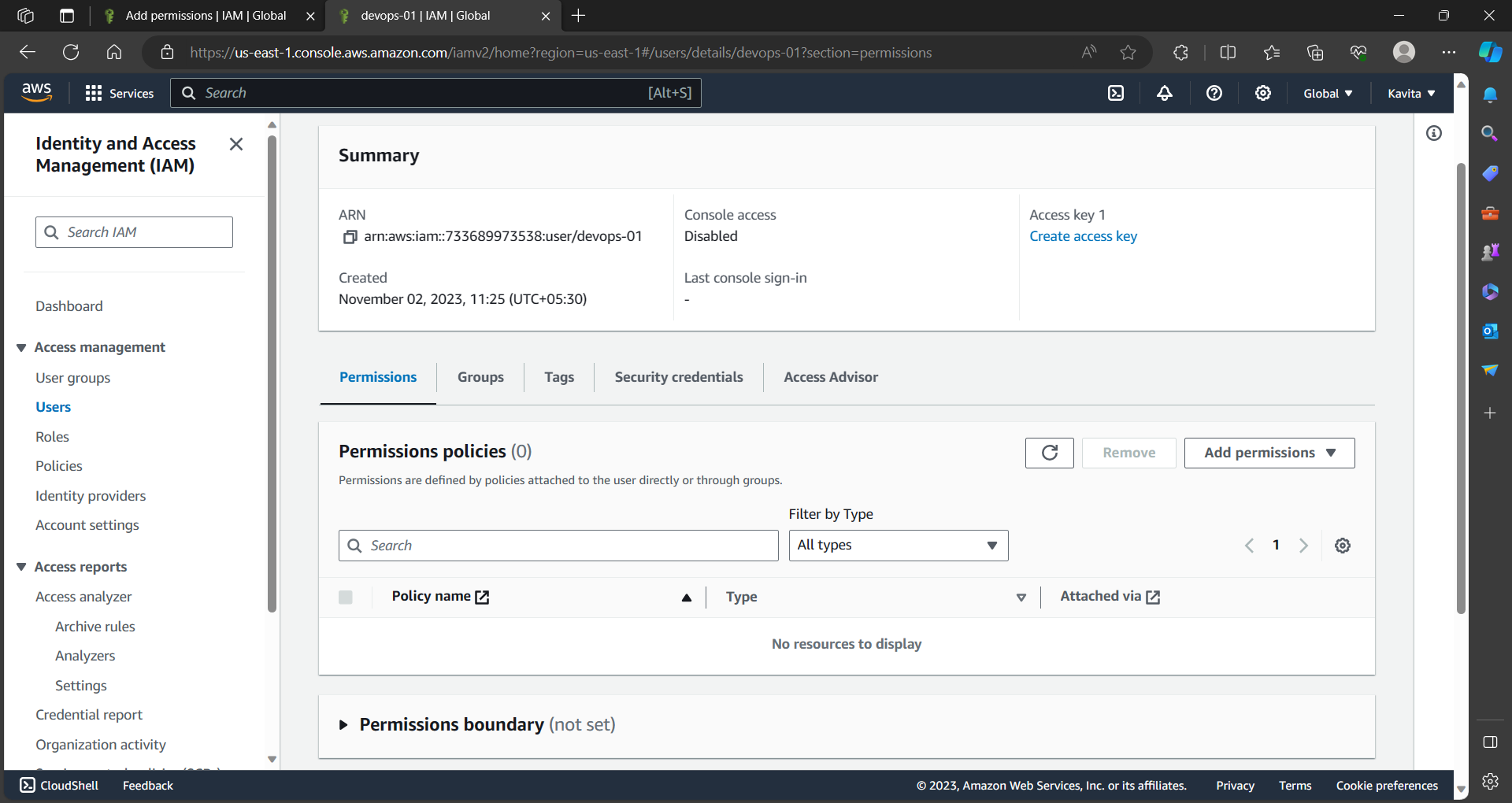
- Navigate to security credential section for the user to provide the login password manually.
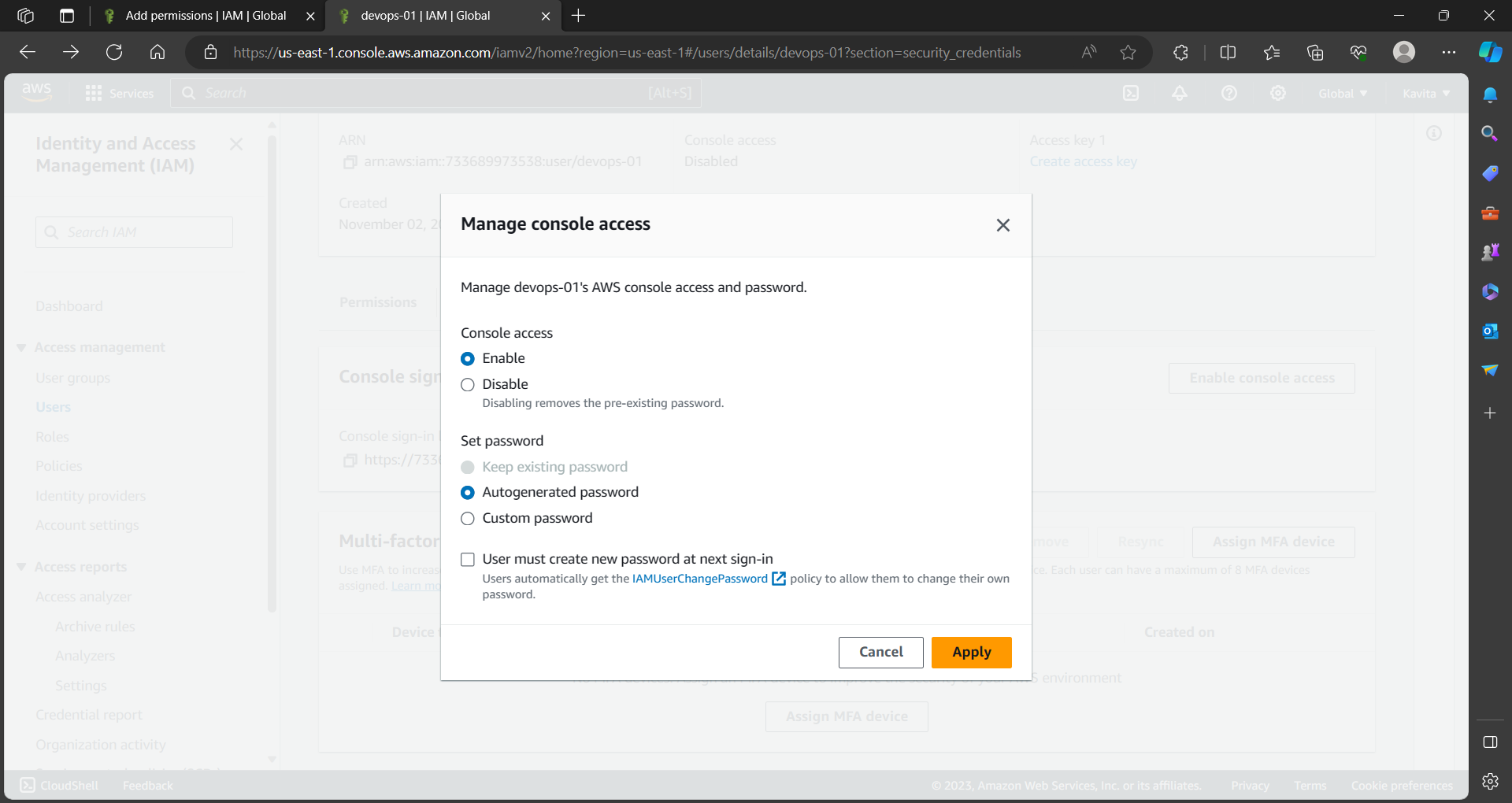
Now, Sign in to the AWS console by choosing IAM user. Make sure you have the 12 digit unique code from IAM console for the user.
Now you have successfully logged in to the AWS console using IAM user.
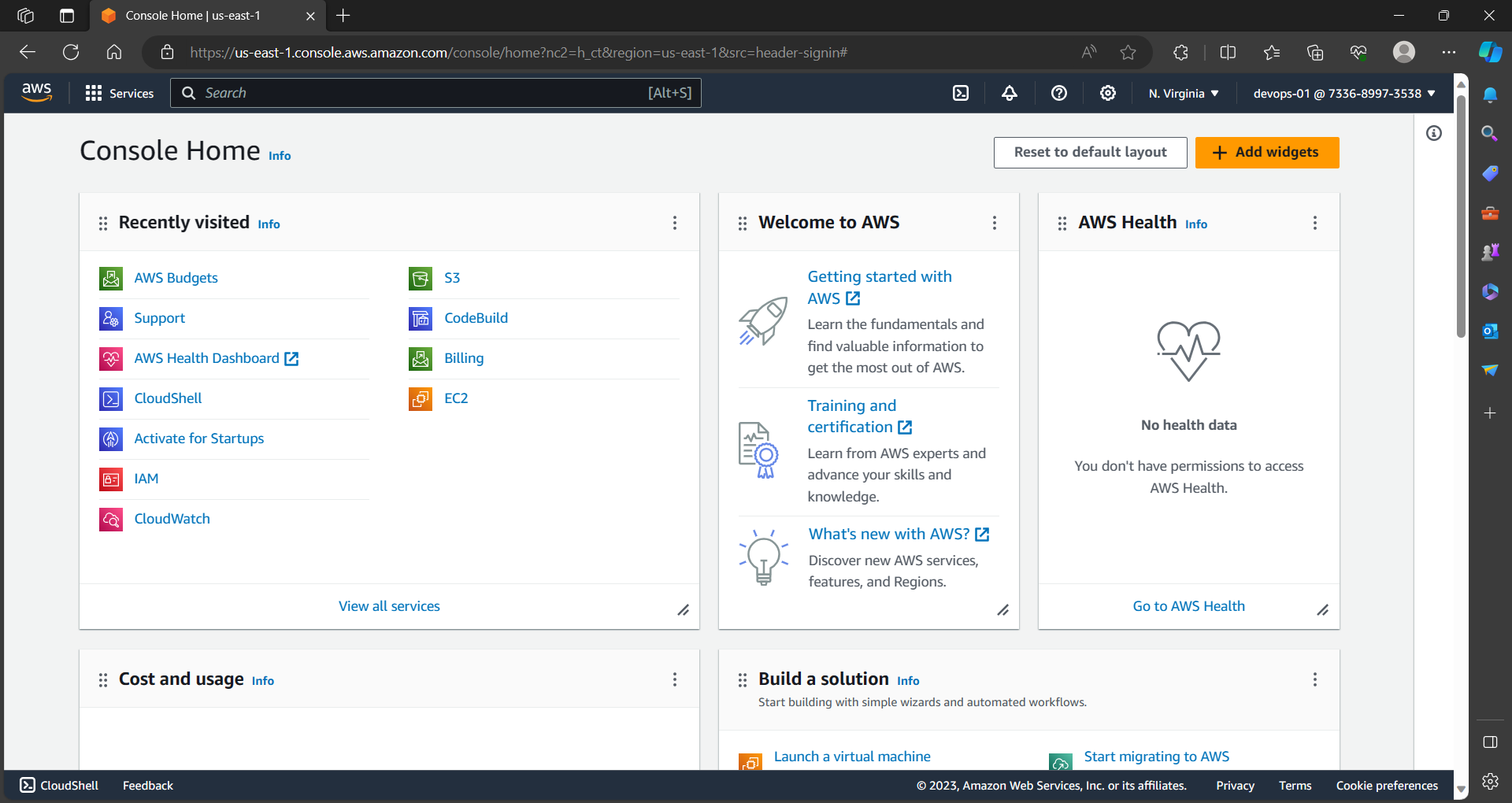
- Login to the existing instance and write a script to install Jenkins and Docker on the server.
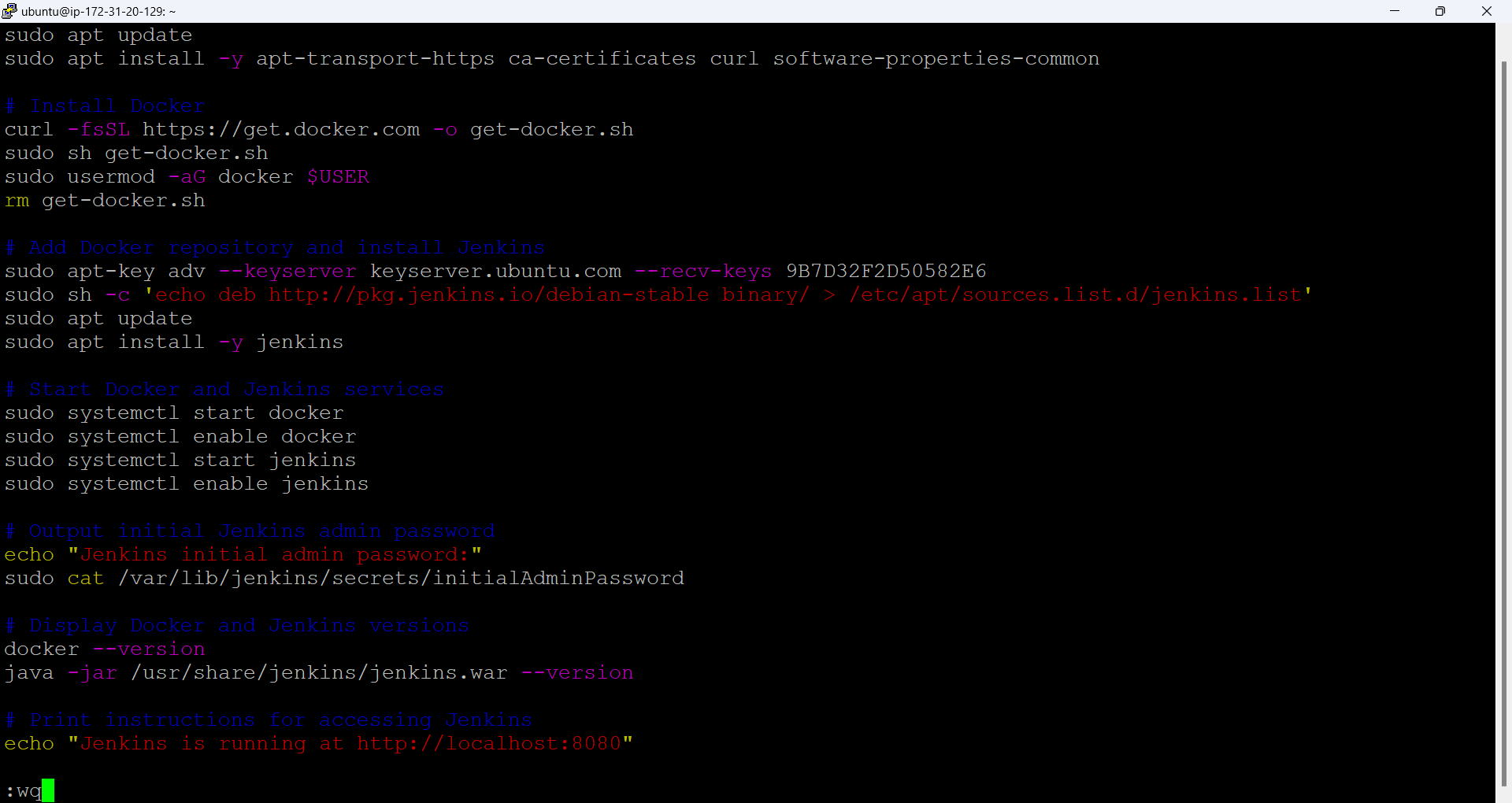
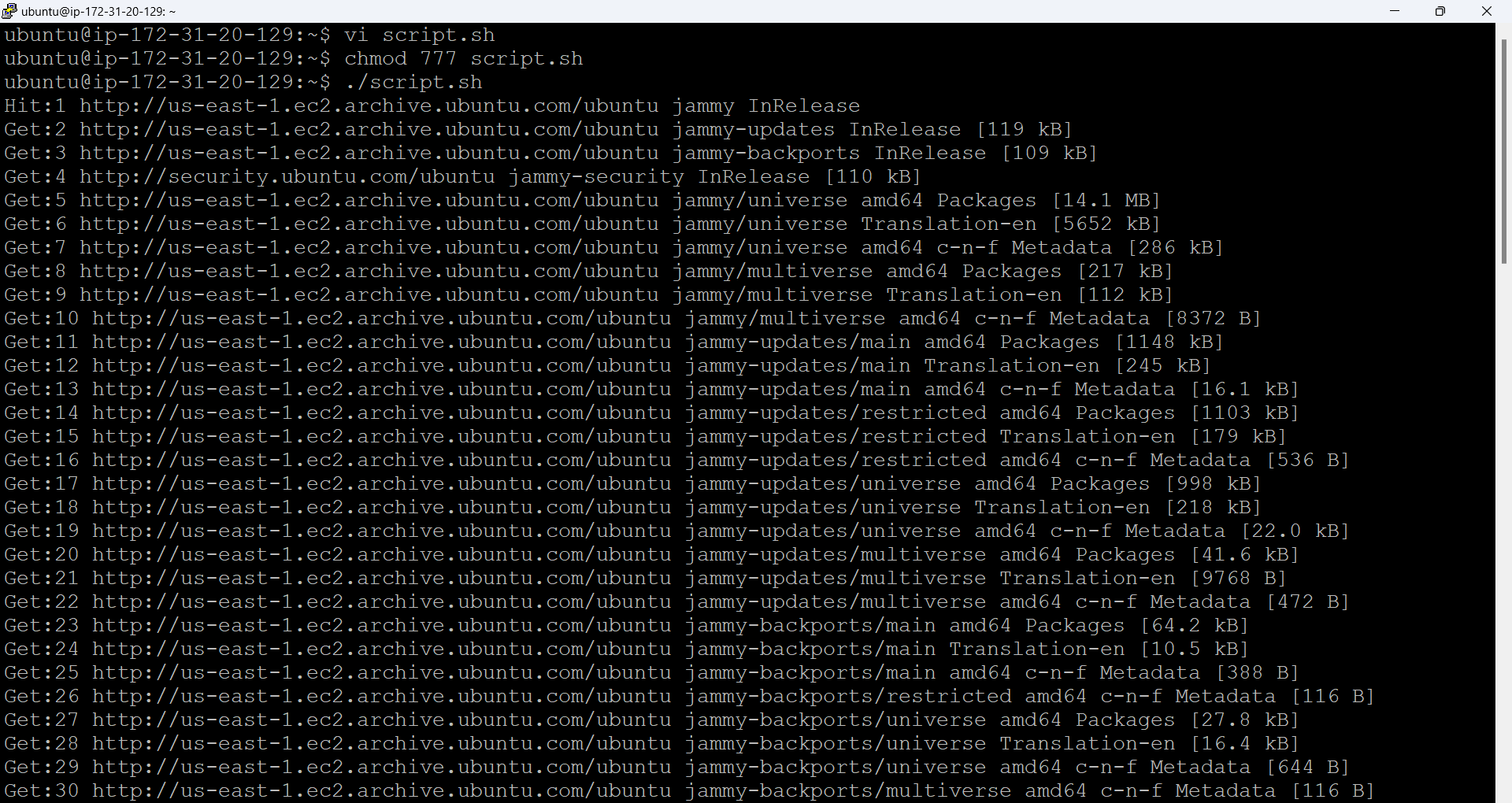
- Run the script after giving specific permission.
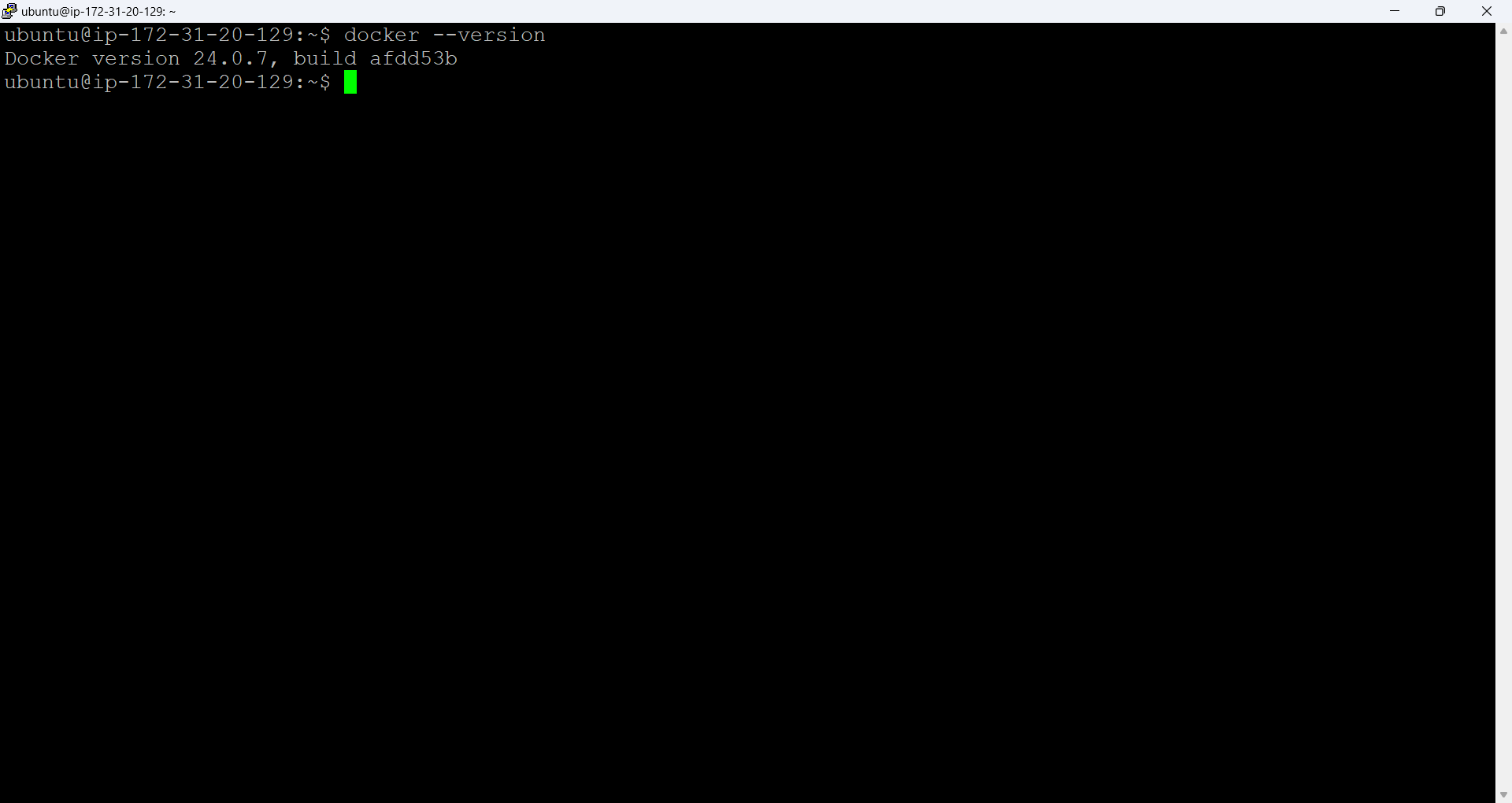
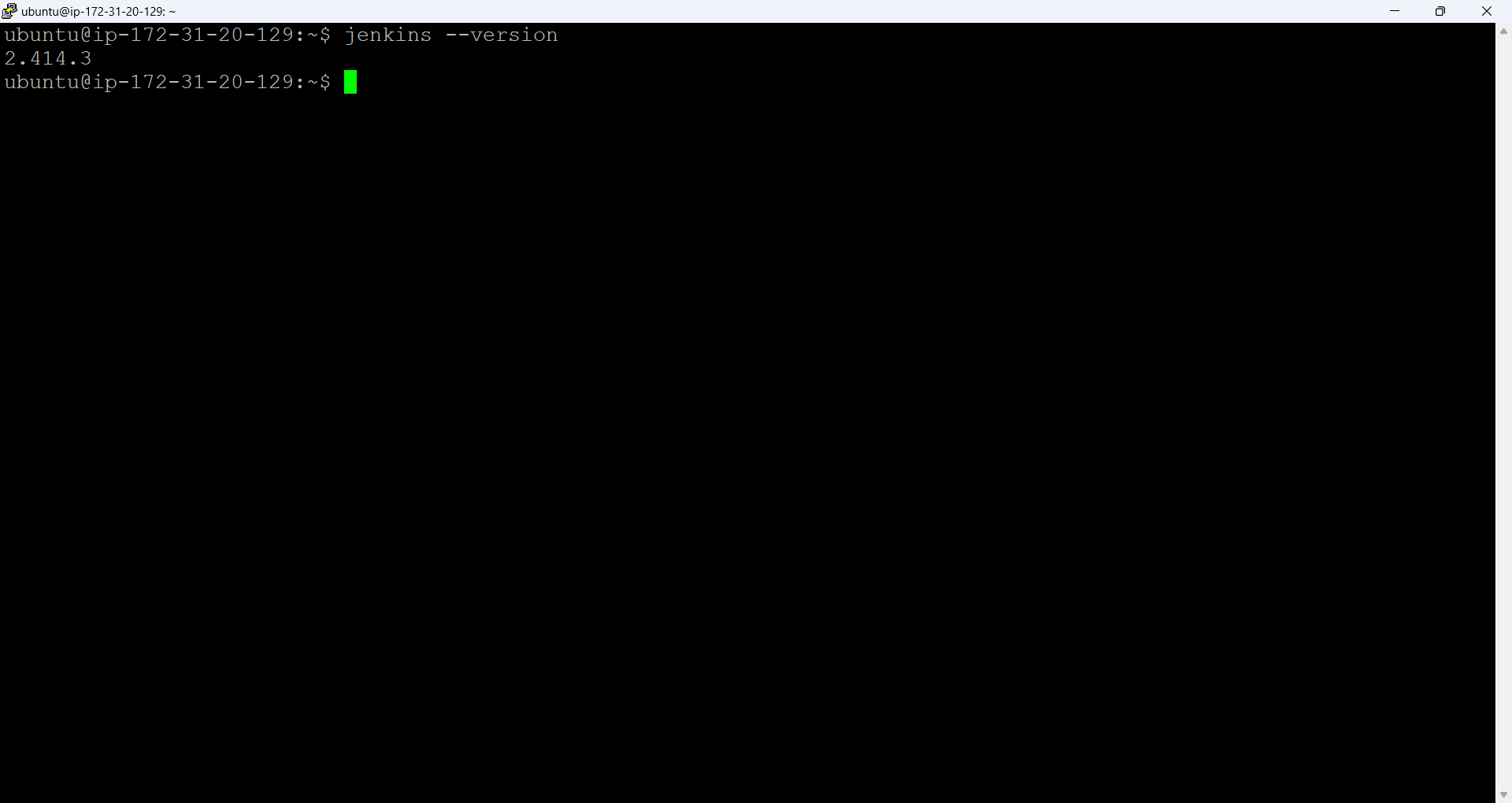
- Verify the installed version of Jenkins and Docker.
Task2:
In this task, you need to prepare a DevOps team of Avengers. Create IAM users of Avengers and assign them to devops groups with IAM policy.
- Create a group with the name Avengers in the IAM console and provide the permission policies you want the group to have access to.
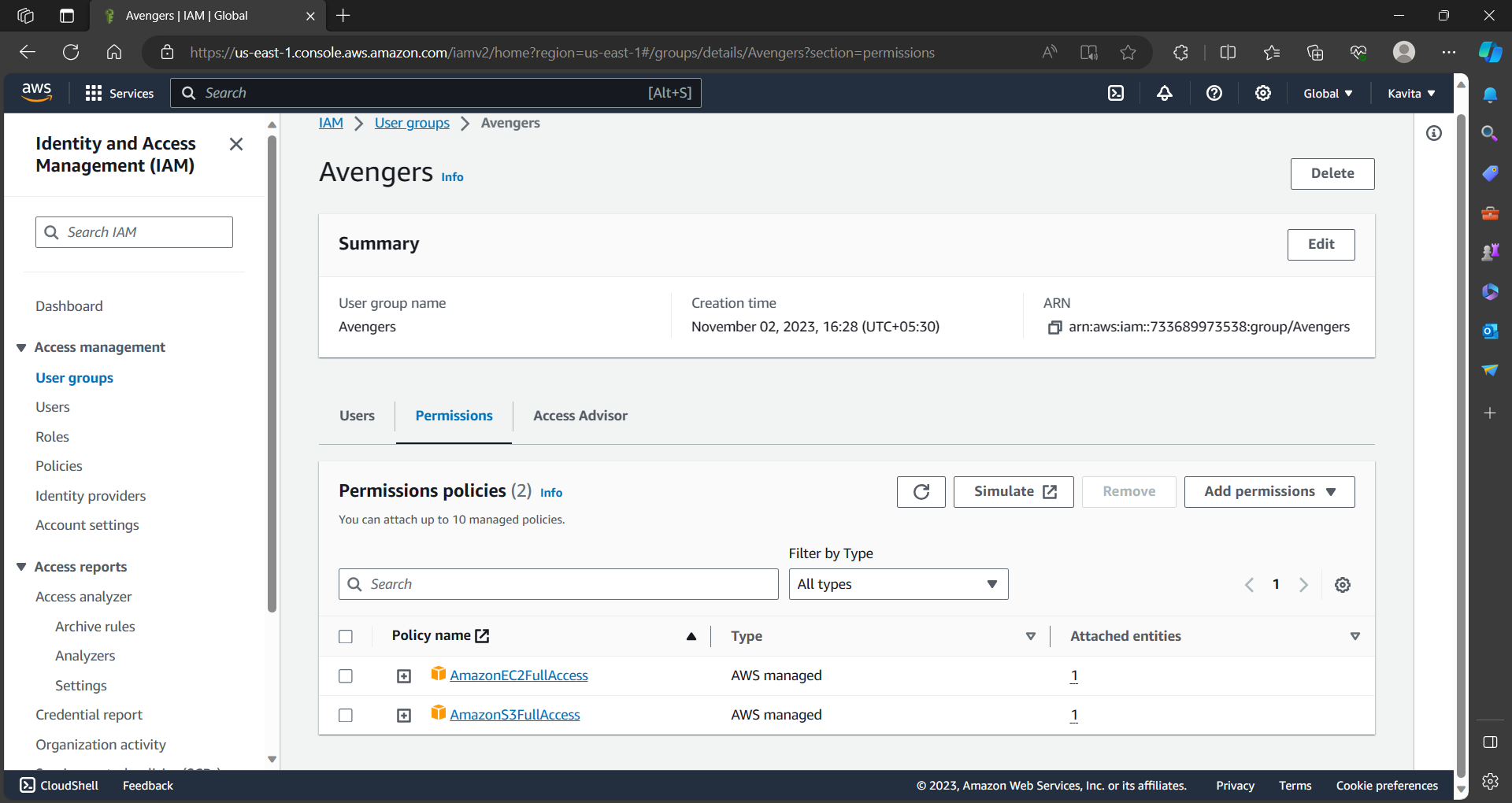
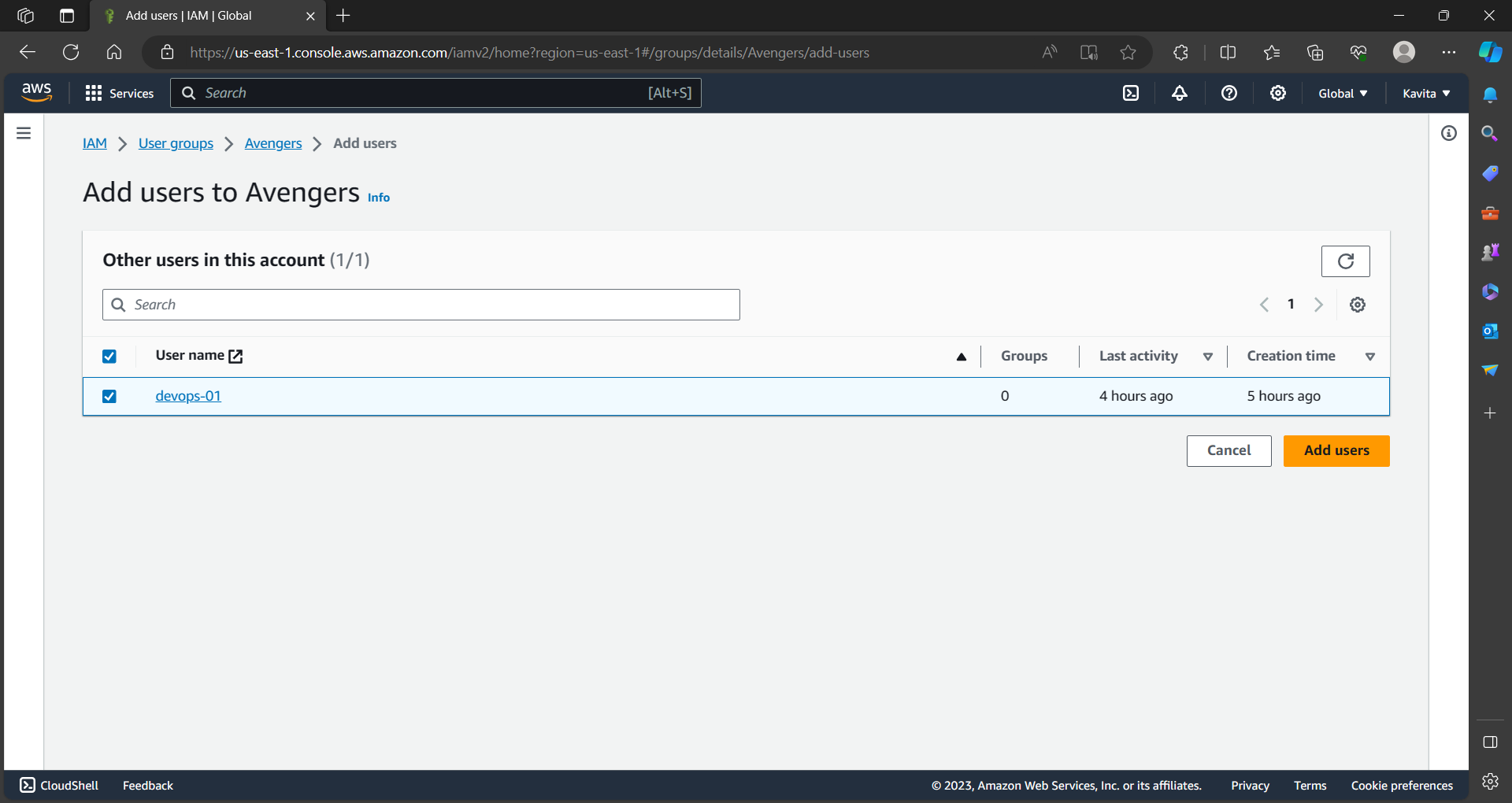
- Add users created to the Avengers group.
That's all for today's challenge. Thanks for reading my article.
written by Kavita Pant.