Day24 of 90daysofdevopschallenge

Aspiring Devops engineer
Webhook:
It is an HTTP callback triggered by specific events, allowing one service to send data or notifications to another when something relevant occurs. Webhooks are commonly used for automation, data synchronization, and updating external systems.
Here are some steps to add Webhook to your Jenkins.
Open the GitHub repository.
Go to “settings” and then to “hooks”.
Click the “Add webhook” button.
Fill out the form as shown in the image below. Provide the URL of Jenkins in the webhook and add github-webhook/ at the end. You can disable SSL verifications if you don't have valid SSL for your Jenkins server. Then you can choose option "Calling the webhook only for push events" (depending on your purpose of using the webhook)
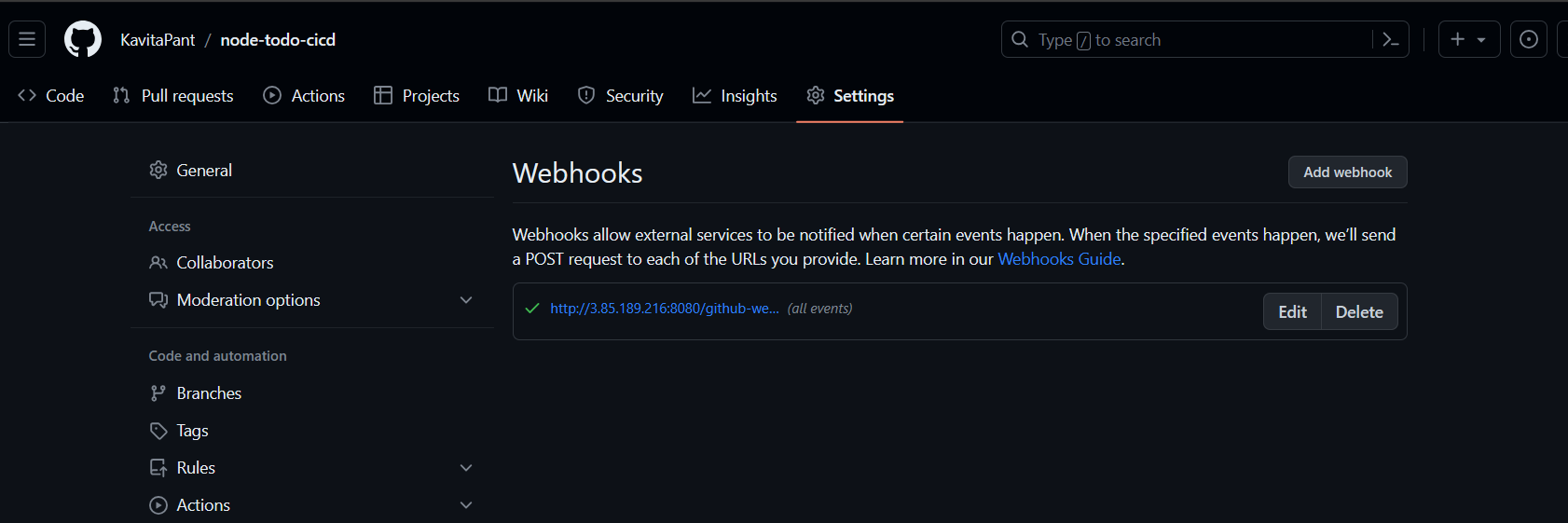
Once webhook is connected it will show green tick.
Task-01 :
Create a connection to your Jenkins job and your GitHub Repository via GitHub Integration.
Generate the SSH keys for integrating your Jenkins project with your git repository. Use the ssh-keygen command to create public and private keys.
Open the Linux server and type ssh-keygen
Now redirect to cd .ssh & explore the public and private key
Now get the public key, "cat id_rsa.pub" and copy the public key.
Then open the GitHub setting page and go to SSH & GPG key,Add the public key that we created using ssh-keygen and select key-type Authentication key.
Set up a pipeline for a Node Todo application.
step 1: Create a new item and choose a free-style project and named it.
Select GitHub to project to paste the repository URL
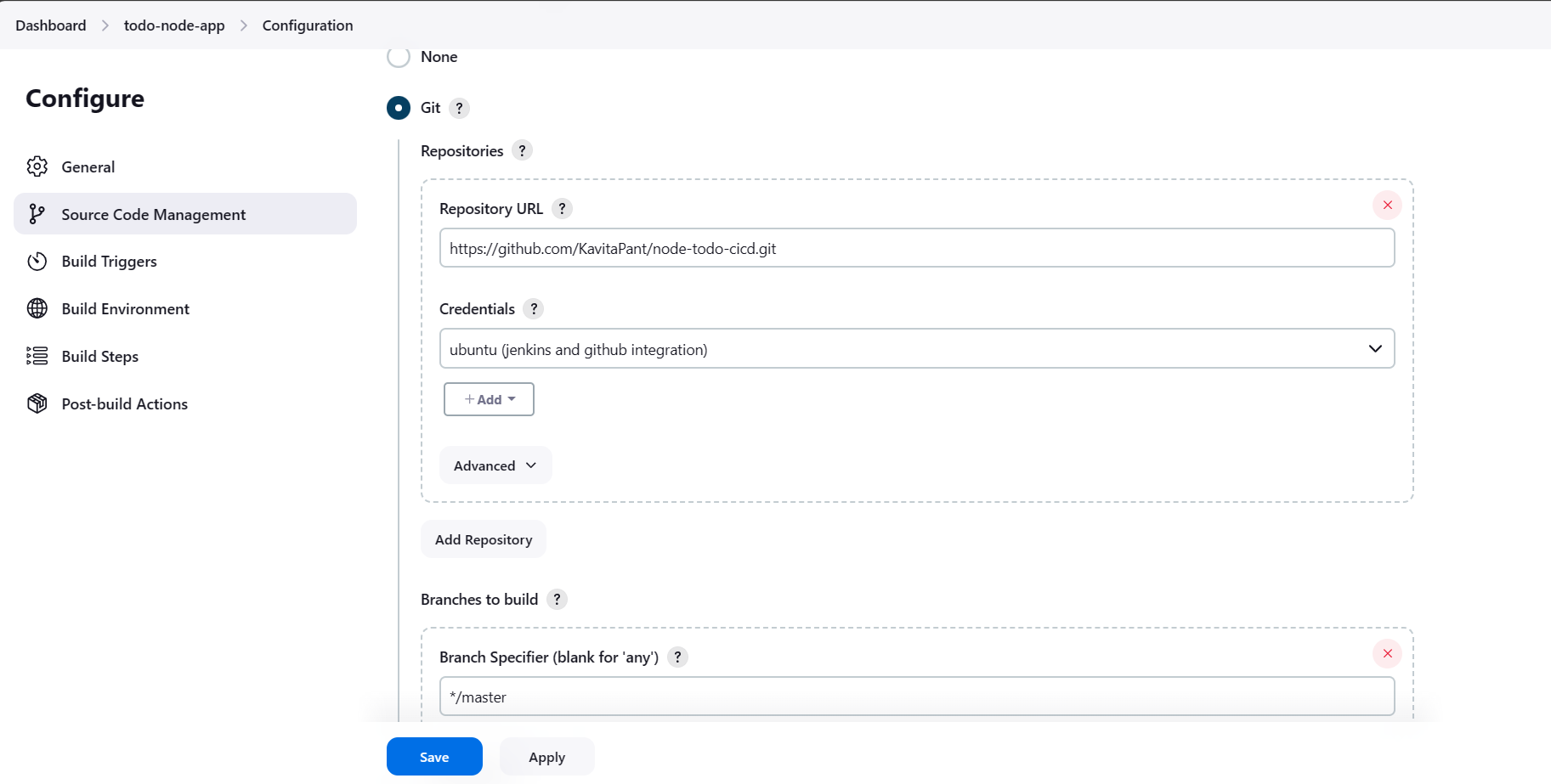
Now, go to Source code management to configure GitHub to Jenkins. Provide the GitHub URL where the code exists. Use the secret text option to provide credentials to Jenkins.
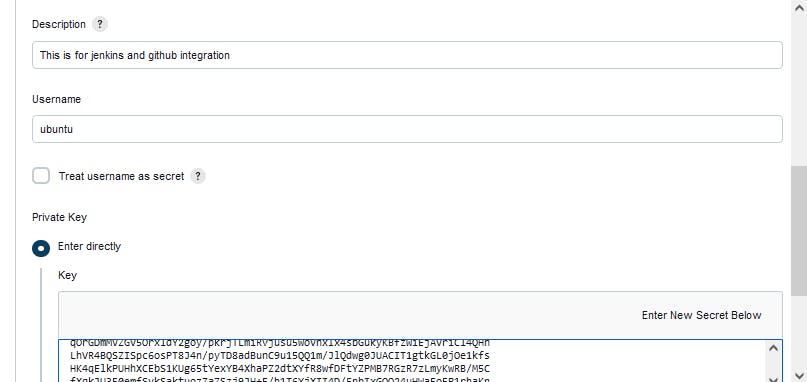
Kind: SSH Username with the private key
ID: github-jenkins
Description: This is for jenkins and GitHub integration
Username: ubuntu
Private Key: Enter directly (cat id_rsa)
Add
Now select the credentials.
Now, go to Build Steps and choose the execute shell build option.
 docker build . -t node-todo-app

 docker run -p 8000:8000 -d node-todo-app:latest
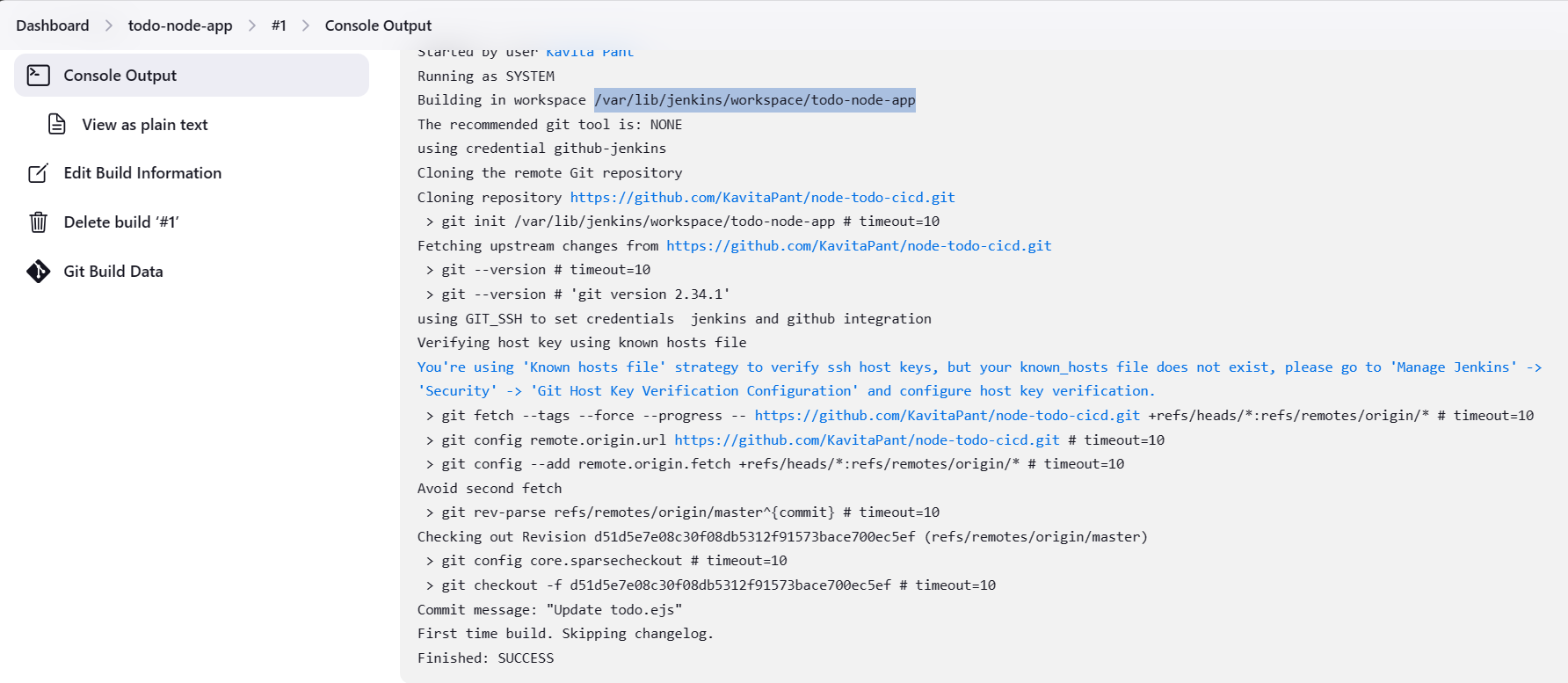
Now click on build now. Hence Code is taken from github.
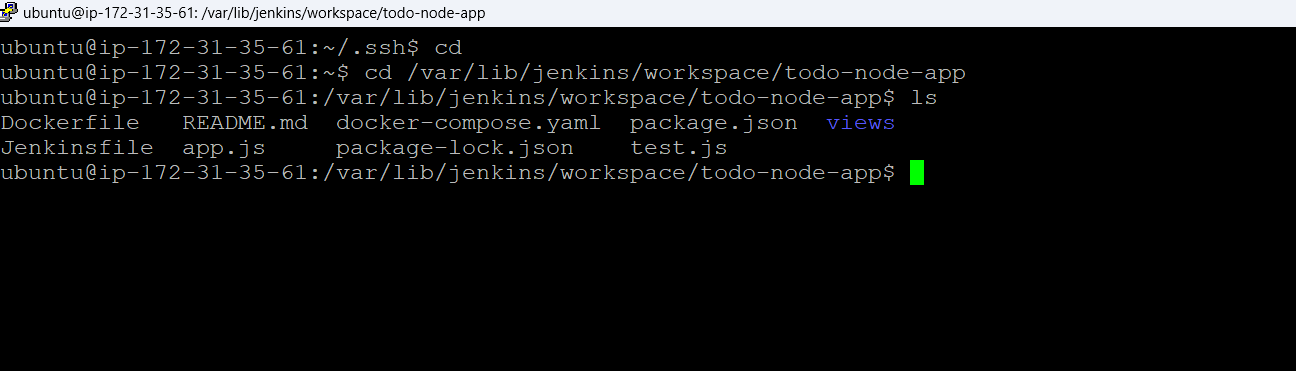
Task-02: Use docker-compose in execute shell.
In the Execute shell run the application using Docker compose.
Install docker-compose.
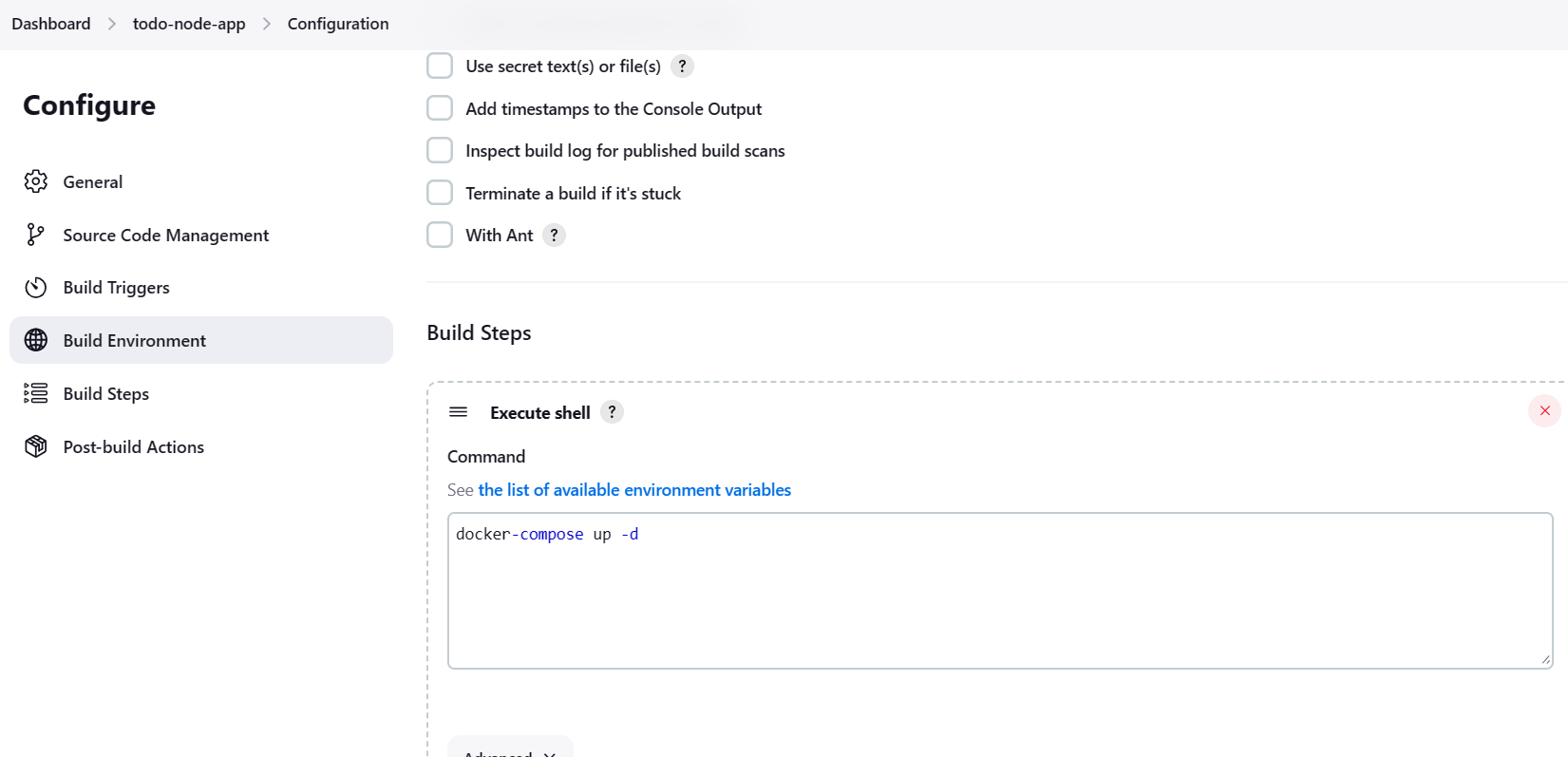
Make a docker-compose file.
Run the project
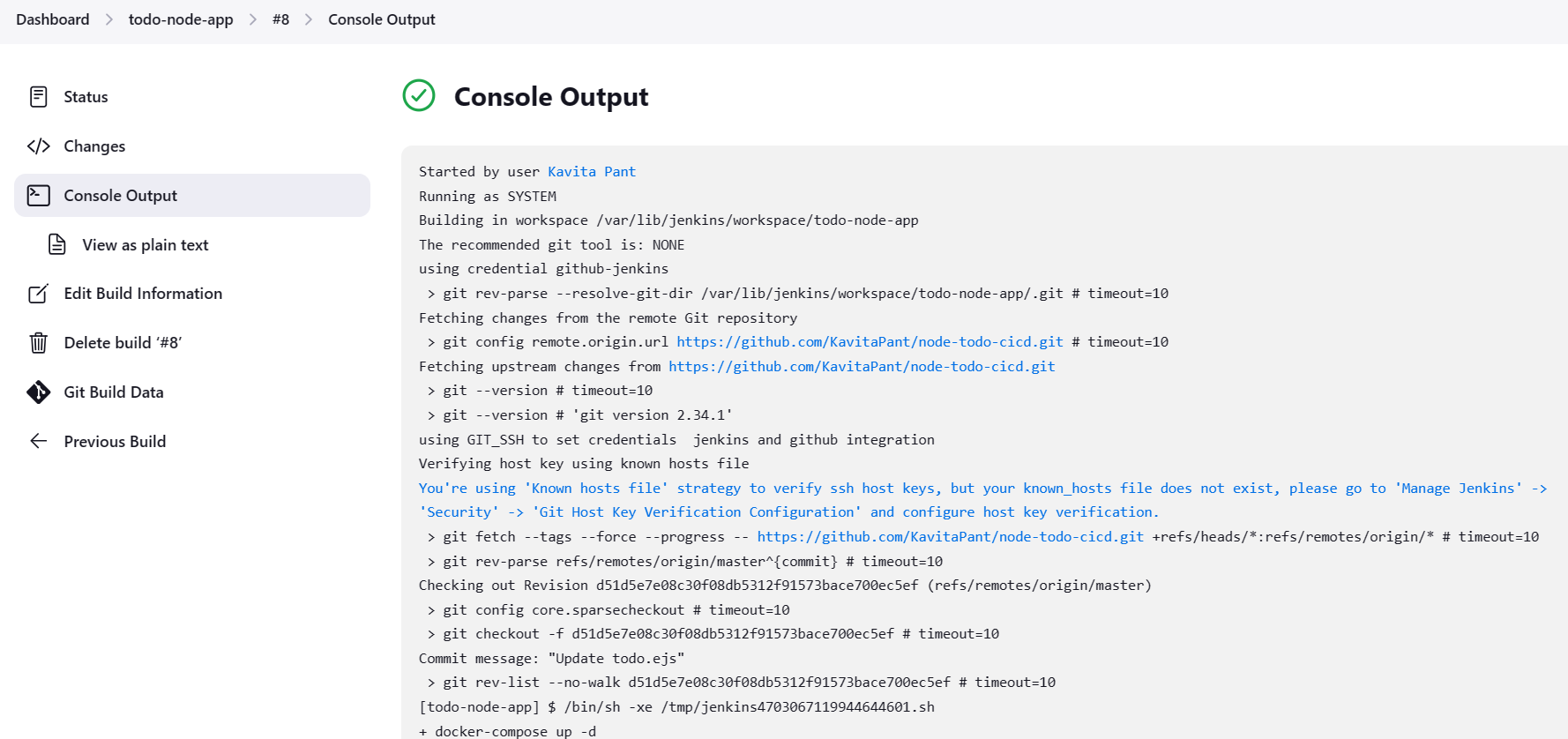
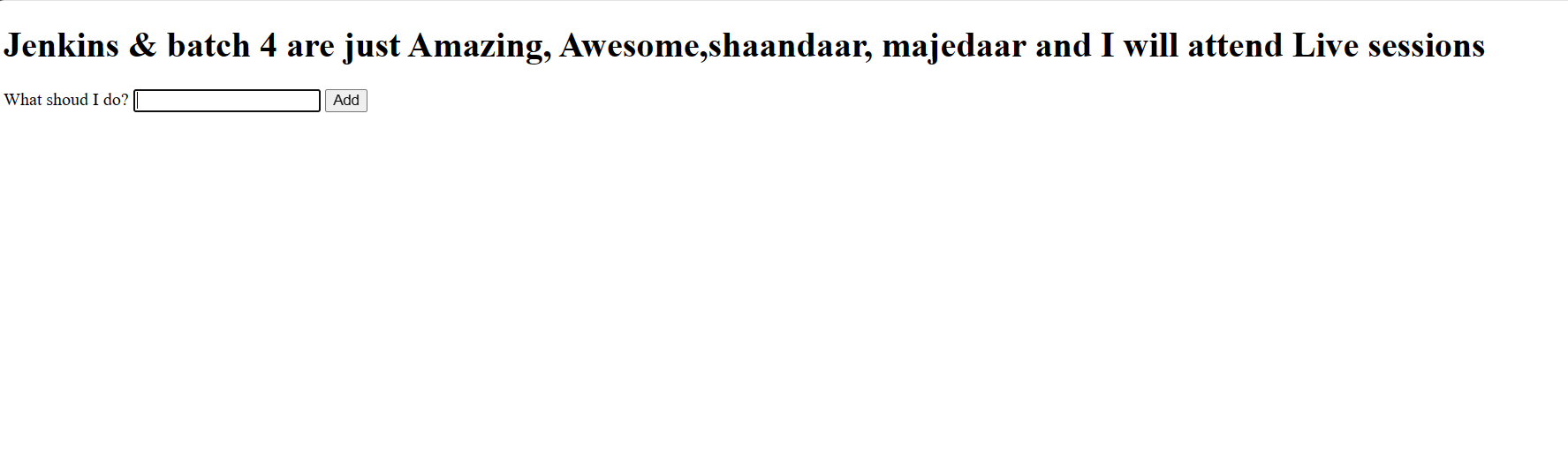
Hence we have run the project using GitHub integration with Jenkins with docker-compose.Thank you so much for reading so far and supporting me.
Kavita Pant.